Within your Academy Dashboard, you can easily view the progress of your course(s) in a couple of ways.
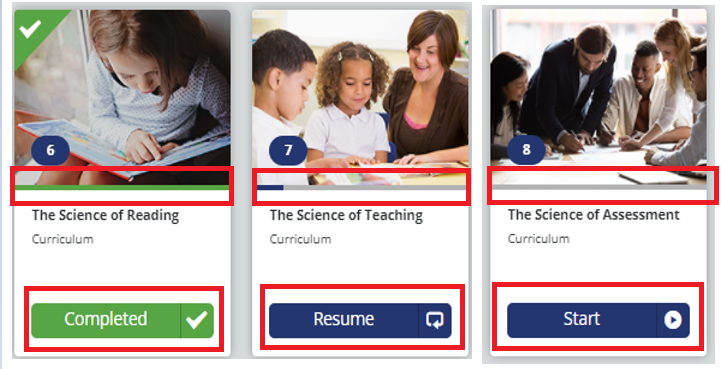
You can view it directly from the course(s) found on your Dashboard. The progress bar, as highlighted below, will demonstrate your progress as a percentage.
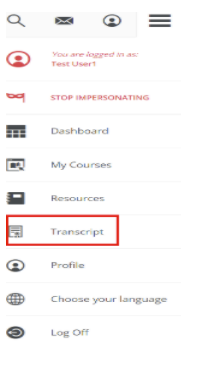
Alternatively, you can access a more detailed view through your course Transcript(s), which can be found under the Menu Panel located to the top right of your screen.
Once selected, the page is directed to the Transcript page, where it shows the detailed progress of your attended training.
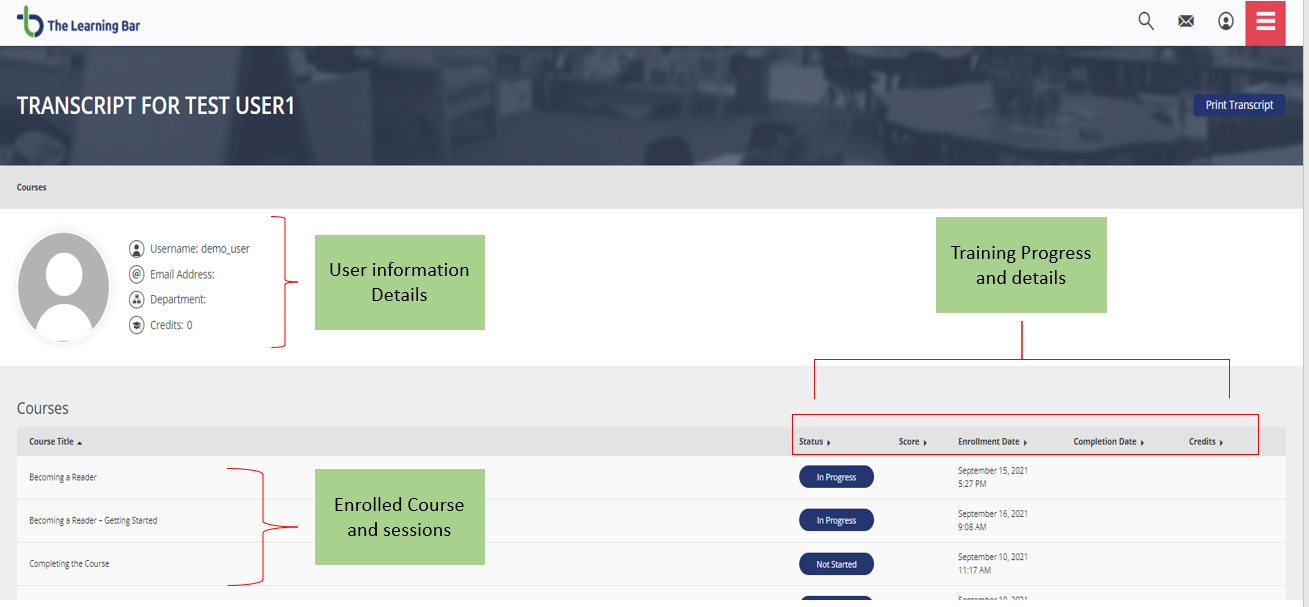
You can use this page to simply track your progress, however, you can also print this page for your records. This can be done using the Print Transcript button located in the top right corner.